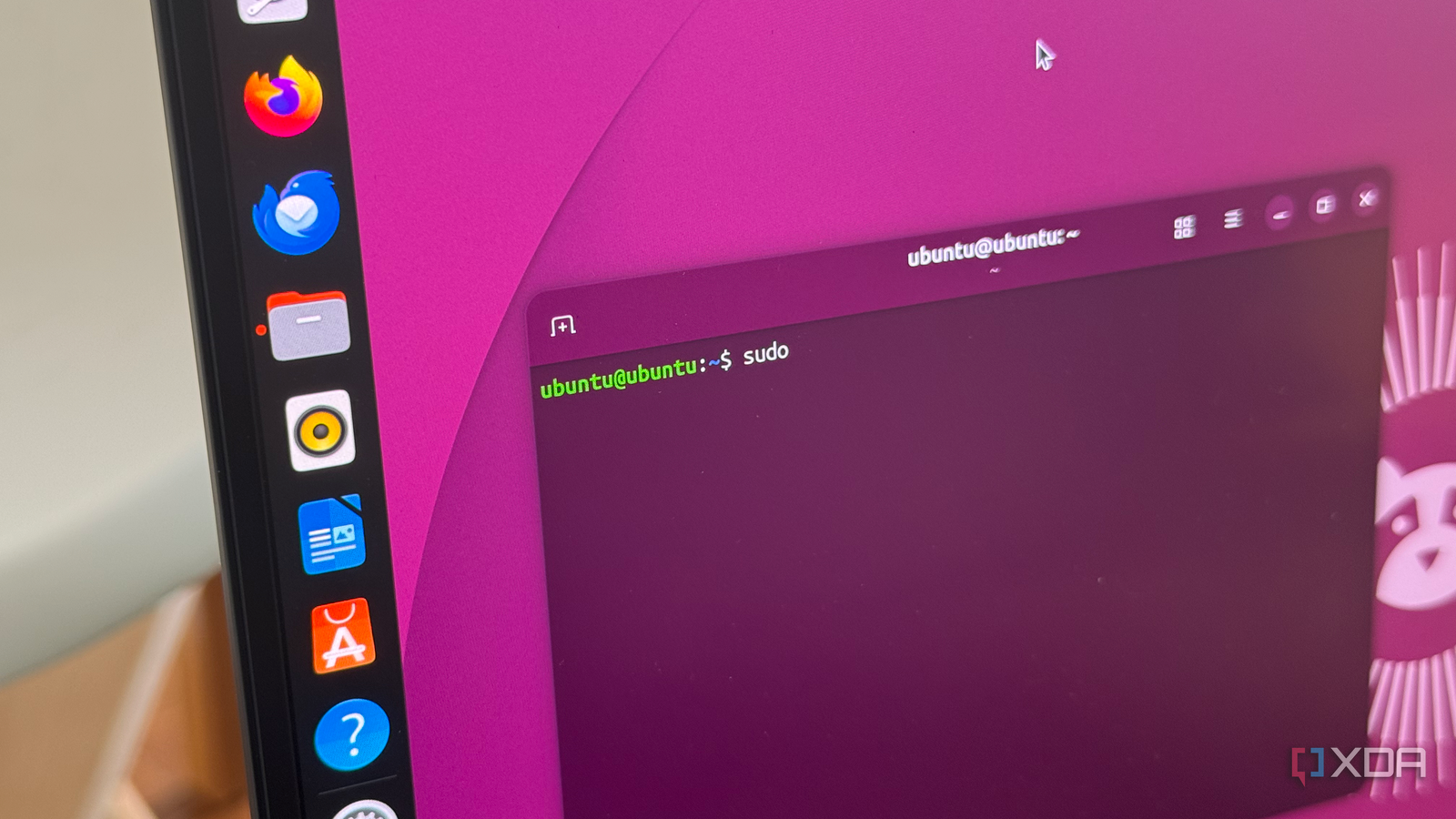
So sometime in the future while setting up your Raspberry Pi to run Ubuntu desktop to run your media to the projector you can ditch the
sudo apt install ubuntu-restricted-extras
Sudo apt install ffmpeg
That’s the last place I’ve seen it and it was a bad idea anyway as the Pi’s decoder sucked ass for certain media.
Saved you a click: It was the underlying mpeg-related patents used by the DivX codec. Filed by Siemens AG.
I remember back in the day that this was why everyone preferred xvid instead.
Ohh siemens ag are the baddies? I just bought their stock. I wouldnt have, had I known about this.
Buy stock in the companies you want to succeed, and short the ones you want to see fail.
Is it somehow important for Linux?
No.
It has never been a “legal headache”, more of a bit of additional work for distro maintainers (to keep codecs separate from the rest of the distro) and a tiny inconvenience for users (they had to click an additional button after installing the distro).
Nowadays it’s almost entirely irrelevant. Unless you are in a tiny minority of users who need to play DivX-encoded video (a codec which is 25 years old at this point) for some reason, you don’t need to care at all.
Basically, this just made life of a few media horder nerds a tiny bit more convenient. Frankly i shouldn’t be typing out a comment this long to even explain it…
Eh well, I appreciate you typing all that out as someone who remembers divx and xvid from long ago.
I guess it matters to some people who pirated 500 GB of movies using DC++ back in the day.
The one button in the installer you are remembering is actually unrelated. It’s the gahnome people taking worst from winblows as usual and sticking with it after the last benefits die.
This time it’s the video codec system (instead of just using ffmpeg lul), they called it “gstreamer”. If you try to install ALL gstreamer plugins, it will be some two digit gibibyte number (don’t remember exactly). The button in the installer installs most popular plugins.
Now, applications that try to use it will do anything but tell you what you are missing. Segfault, “whoopsie daisy unknown error”, just hang around and so on and so forth. Chances are, it’s not in dependencies either, recommended or required. One would think the ffmpeg plugin in the base set can do anything, but as it turns out it can’t. For some reason.
IIRC the reason gstreamer was split up this way was originally due to varying quality and legal status of plugins, so it was kinda related.
Not for linux itself, no, but for desktos distros it makes it hard to keep it fully open source and free of proprietary stuff.
I don’t actually remember when it was the last time I heard about divx. 10-15 years ago? I think that the title is clickbait and overdramatization.
It’s an xda-dev article. Of course the title is over-dramatized clickbait.
Such a weird writing format just to work around the ads. Just awful.
What ads?
:(
Wait, you don’t use an adblocker?!?!?!?!?!
Is that possible on iOS on safari? I’m using piefed on the mobile browser. I guess I could just do Firefox but changing the default doesn’t mean everything goes to Firefox on iOS.
Firefox Klar works with Safari for me.
you can use ublock lite if its ios 16 or newer. or adguard for older versions.
alternatively theres reynard browser which is a full gecko firefox port and also runs ublock origin
Yup. install the Orion Browser. It has adblocking built in. Then install the Piefed Web application from Orion.
Or, if you wanted phone wide, configure adguard dns: https://adguard-dns.io/en/public-dns.html
Found the chrome user.
iOS safari
It’s about DivX