You must log in or # to comment.
TLDR:
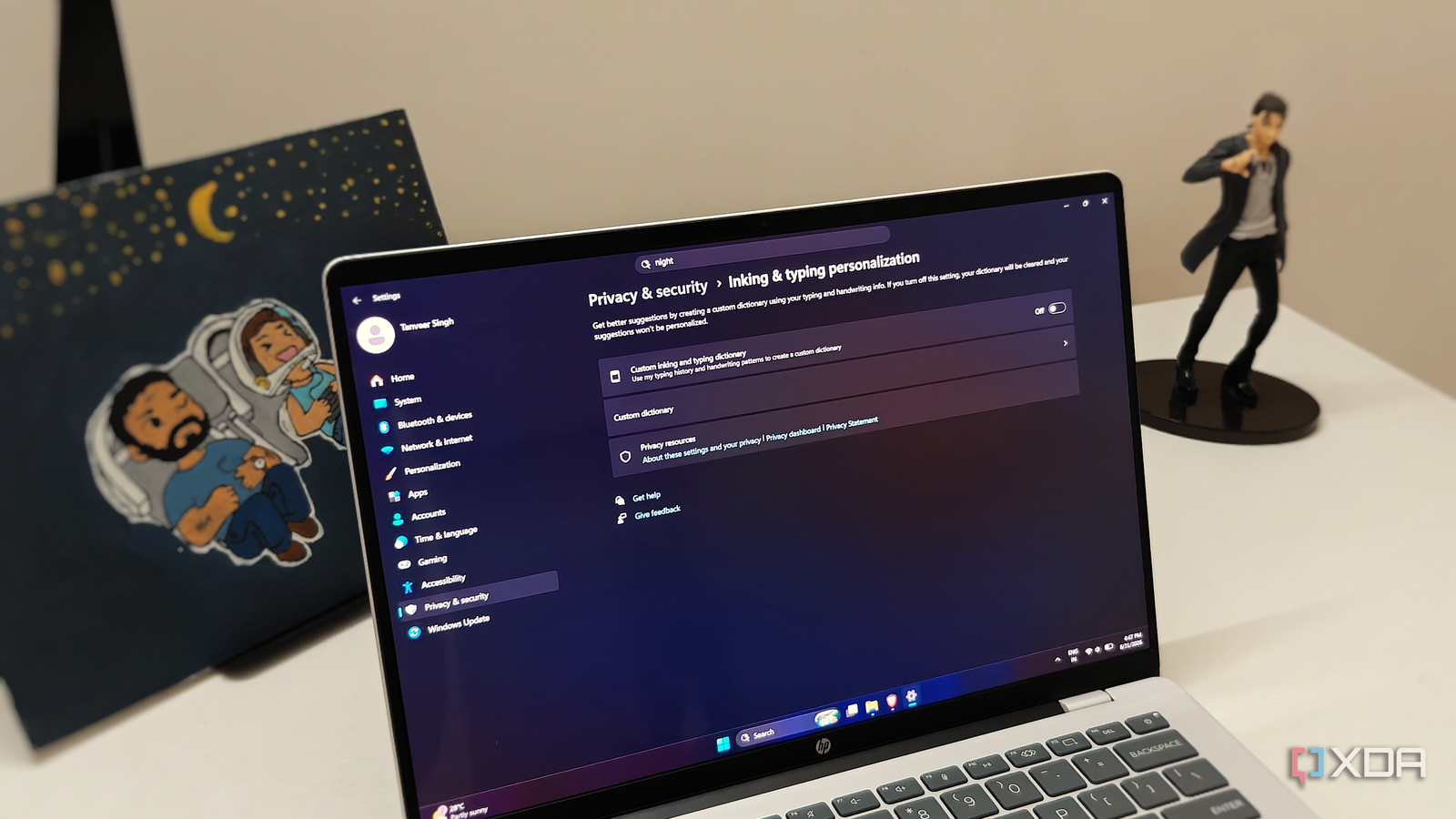
You’ll find the setting in Privacy & security > Inking & typing personalization in Windows settings (Win + I). While you’re at it, disable Send optional diagnostic data in Diagnostics & feedback on the previous screen.
hm, wasn’t that a thing since the beginning of win 10?
Maybe they found a new funny and quirky way of violating privacy.
Or maybe it was oopsie reactivated after an update, who knows…
This keeps happening and what - you just gonna wipe your face from Microsoft piss, smile and keep using their surveillance product? Nah just switch to Linux