You could remove the laptop screen like I did with my home server. Although you’ll have to put it very close to the router to get a WiFi signal afterwards.
The screen was broken so it was just wasting space. It also made it easier to move around because I had to close the lid to slide it in place then open the lid so it gets airflow.
Personally, I’d live with the (small) hassle of having the screen attached (in general), because being able to use it still could be a life saver one day (and in such cases, having to reattach a screen or plug into another external one if possible would be way more annoying).


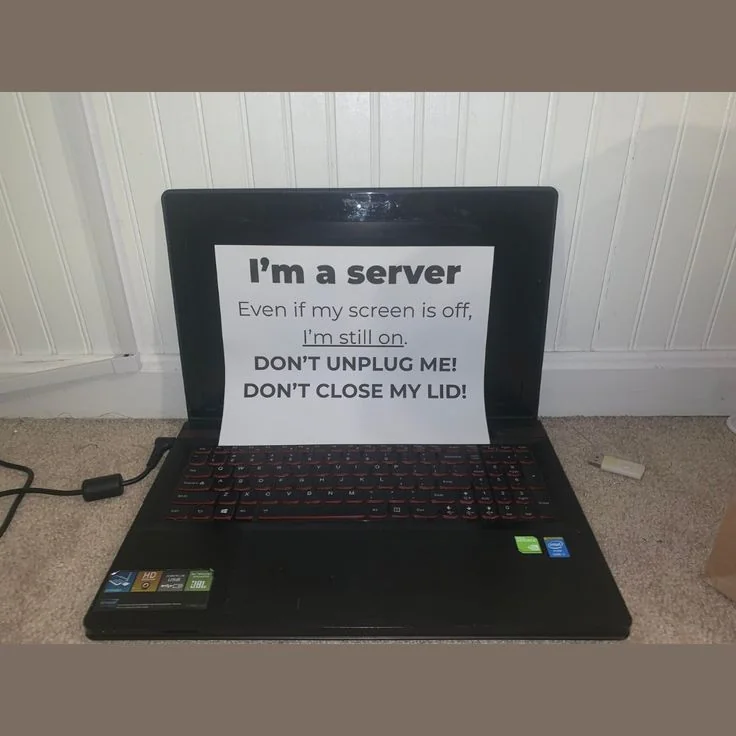
You could remove the laptop screen like I did with my home server. Although you’ll have to put it very close to the router to get a WiFi signal afterwards.
You can get an external antenna and run it to the wifi card. I did that with my beelink mini desktop because the wifi antenna was garbage.
Why would u do that other than maybe saving space? Leaving it open would have been easier and the same thing.
The screen was broken so it was just wasting space. It also made it easier to move around because I had to close the lid to slide it in place then open the lid so it gets airflow.
Fair enough if it’s broken.
Personally, I’d live with the (small) hassle of having the screen attached (in general), because being able to use it still could be a life saver one day (and in such cases, having to reattach a screen or plug into another external one if possible would be way more annoying).